I was watching a test town when a passenger train and a freight train met on the same line and drove straight through each other. Nobody was hurt, because they're voxels, but it wasn't a railway. So this week the trains learned to wait.
Track you hold
Every train now moves only on track it holds. Before it sets off it asks for the whole stretch to its next safe stop, all at once, and if any of it is taken it waits at the lamp. Single track runs one way at a time. A ring line runs one way round with a block every ten tiles, so a few trains can follow each other without bunching.
Where two blocks meet there's now a little lamp on a post. It shows red exactly while the track past it belongs to another train, and green when it's free. You can stand at a junction and watch a train stop, wait, and go.
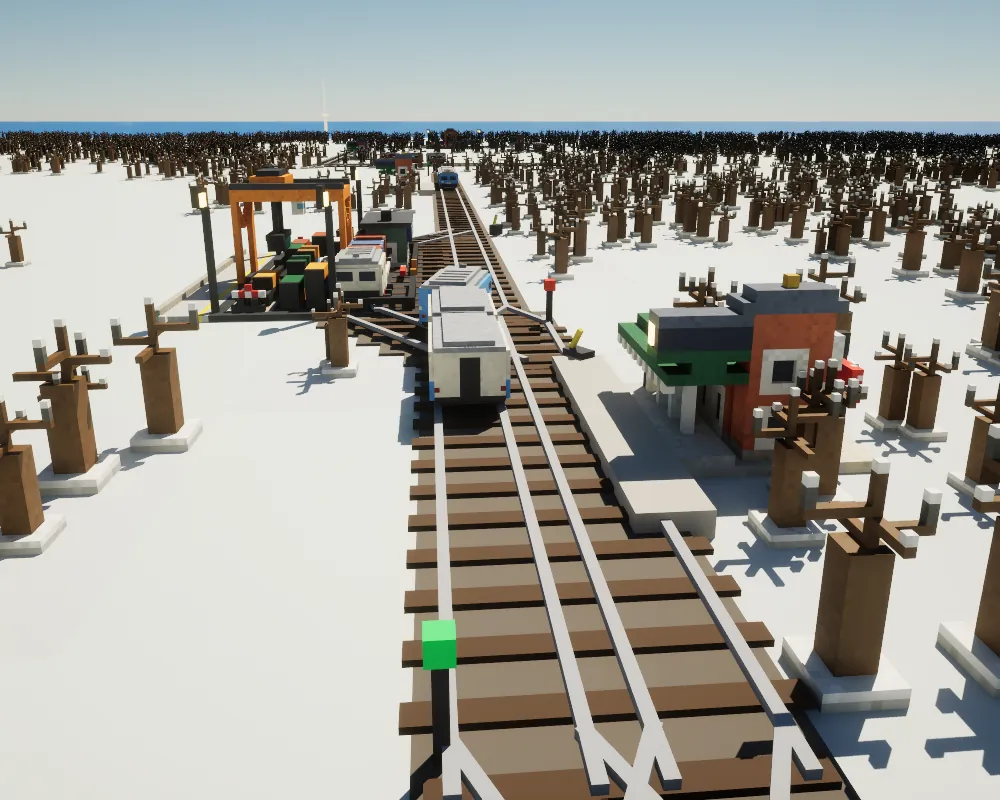
Level crossings joined in too. The booms come down only for a train that holds the crossing, a train stops a tile short of anything still on it, and Voxies on foot wait at closed booms instead of strolling across.
Sidings and loops
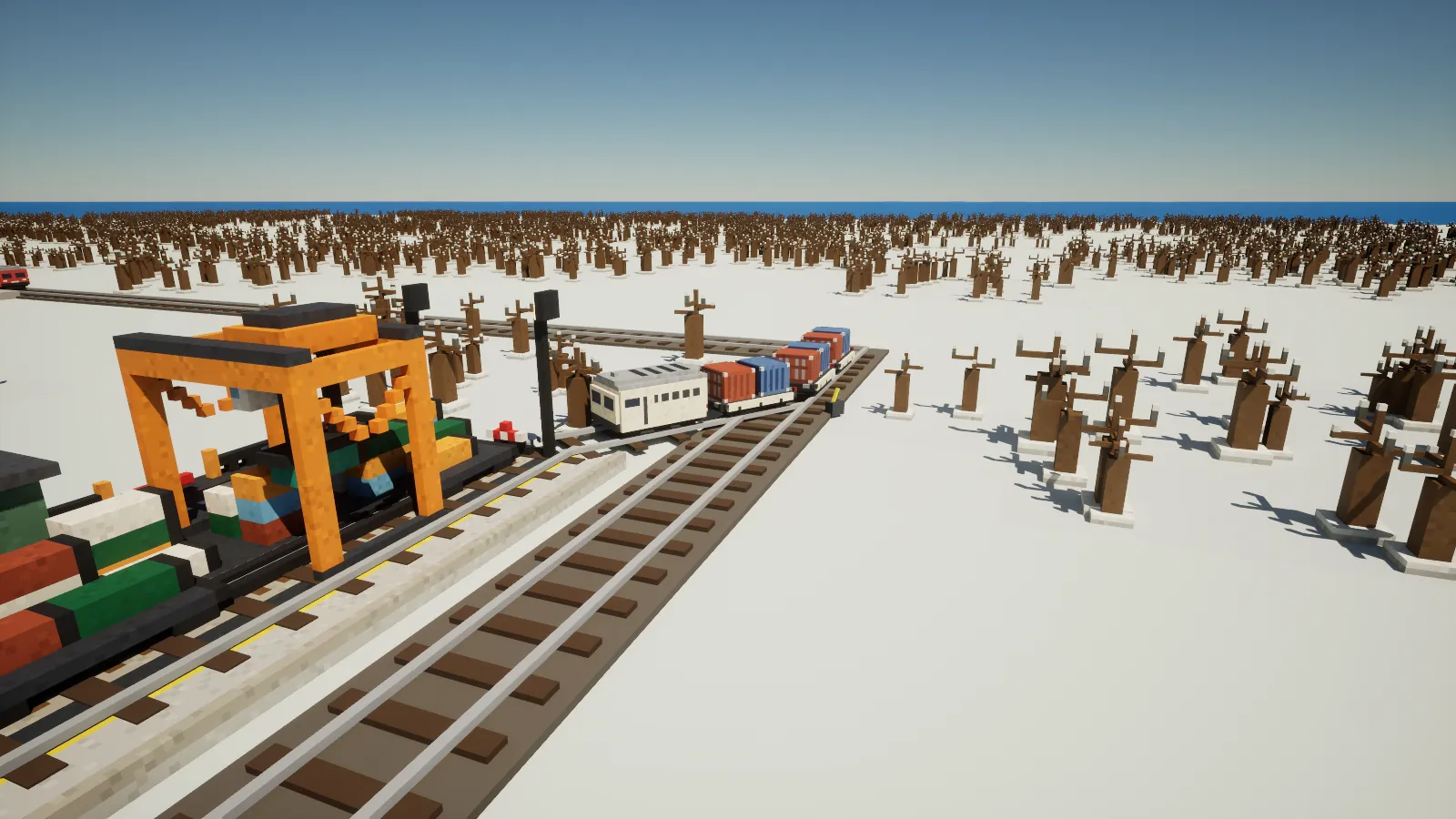
Freight used to pull over to the side like a car. Now a freight yard has a real siding a tile off the line, with points at both ends, fanned sleepers and a lever box. Every wagon follows the rails at its own distance behind the engine, so a long train snakes through the points the way a real one does. A yard needs a straight run beside the line for its siding, and the game tells you if there isn't room.
Passenger lines get passing loops. When a line wants another train, a loop is laid for free at the station with room nearest the middle, two real tracks joined by crossovers. That means an end to end line can now run two trains that pass each other there.
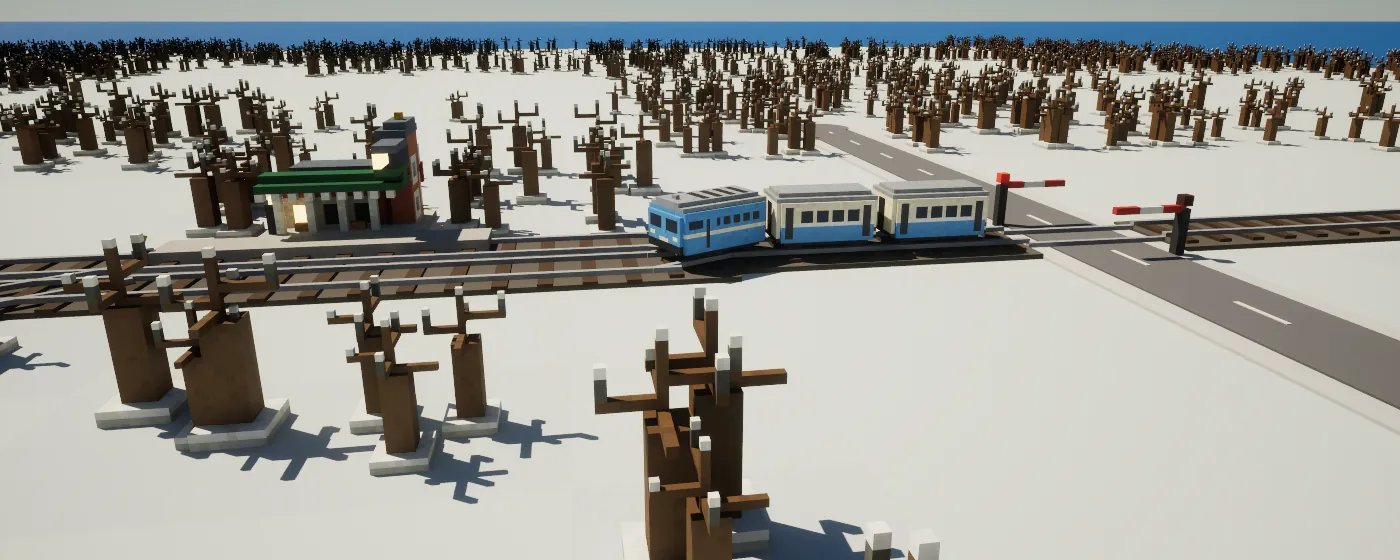
How many trains a line runs is up to its riders. A busy month adds one and two quiet months take one away, up to four on a railway and three on the metro.
The Double Track tool
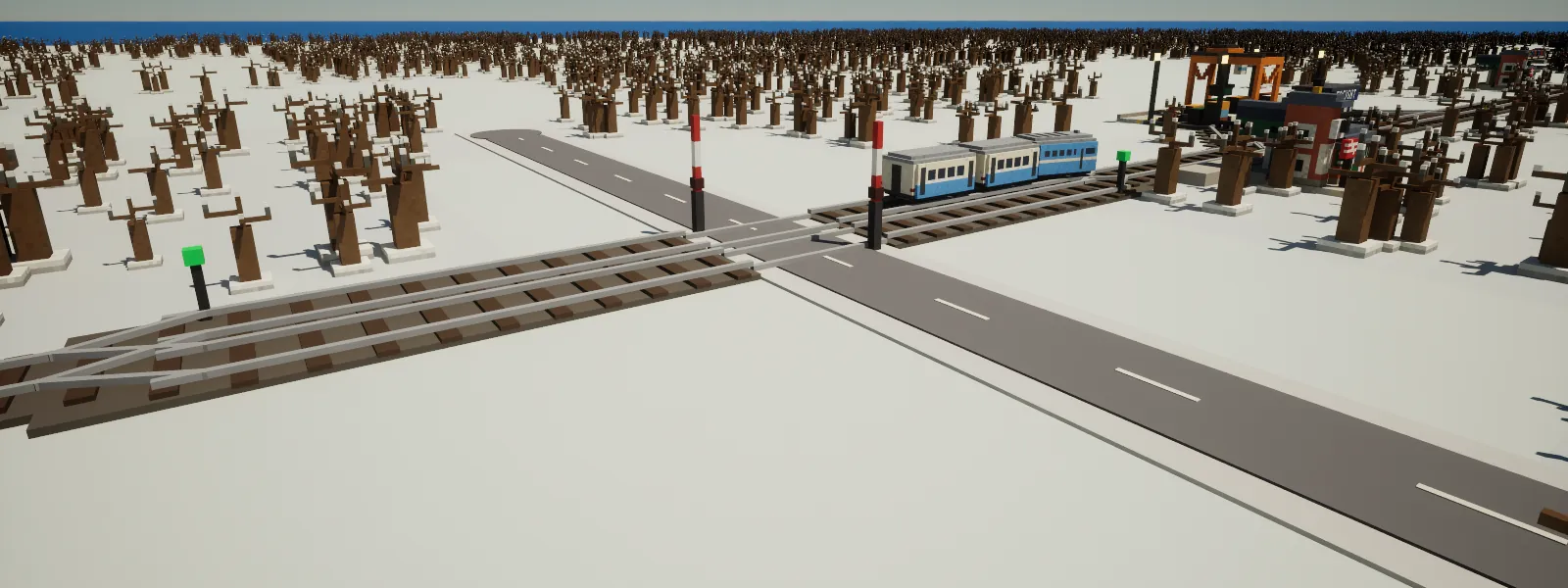
Sometimes a loop isn't enough, so the Rail tab has a Double Track tool. Drag it along at least six tiles and you get two parallel tracks, one each way, with crossovers at the ends. It costs $260 a tile fresh or $140 over a railway you already have, and $4 a month. It won't go through a station, but it's happy over a crossing. For the metro, drag the Metro Line tool along a line you've already dug and it digs a second tunnel alongside.
The train card and the Lines window
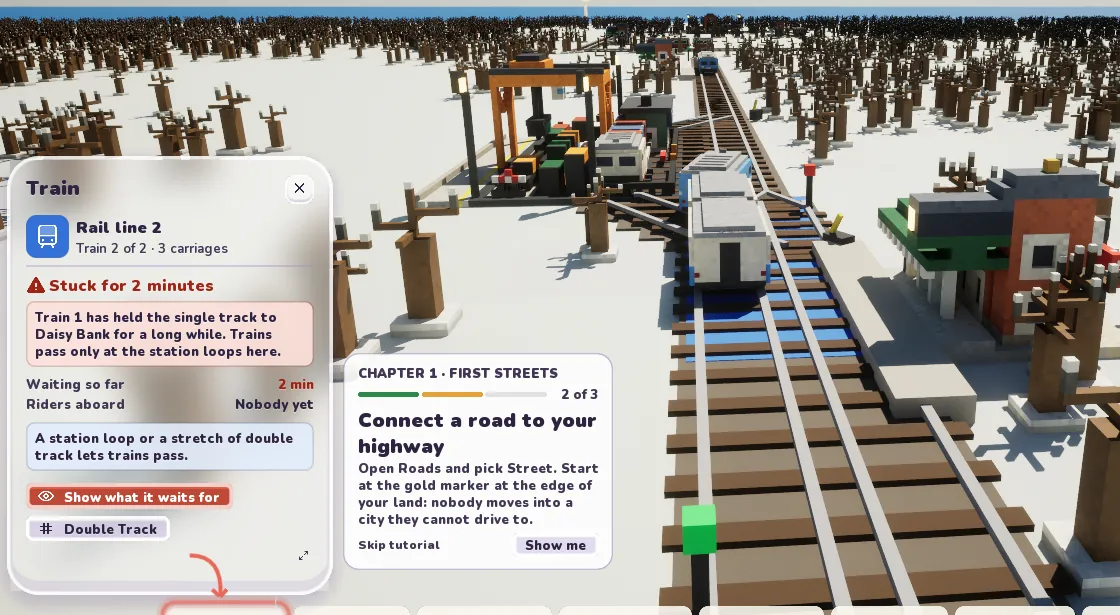
Click a train and it gets a card of its own. It says which line it's on, which train it is, where it's heading and what it's waiting for, in plain words. If it's stuck it tells you who has the single track and what would help, with buttons to show the hold up or pick the Double Track tool. There's a Follow button too, which rides along with the train until you move the camera. Stations have names now, so it can say where it's off to.
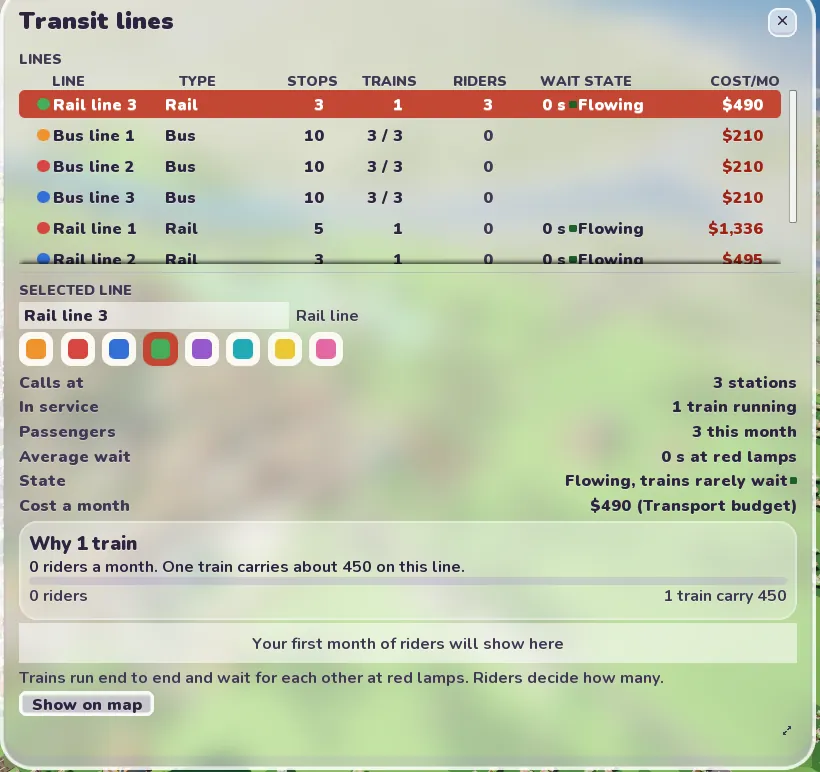
The Lines window shows every line with its trains, the average wait and its state, and a box that explains why it runs the number of trains it does. If a line stays blocked for a minute, the advisor pops up to say so.
Freight Tubes
The last part of the plan went under the streets. Freight Tubes is a hub that sends goods by pod through tubes you lay from its card in the underground view, $60 a tile, within 14 tiles of the hub and never through a metro tunnel. Shops and works within three tiles of a live tube get their goods by pod, and the vans stay off those streets. The pods are a tile long and run at five tiles a second.
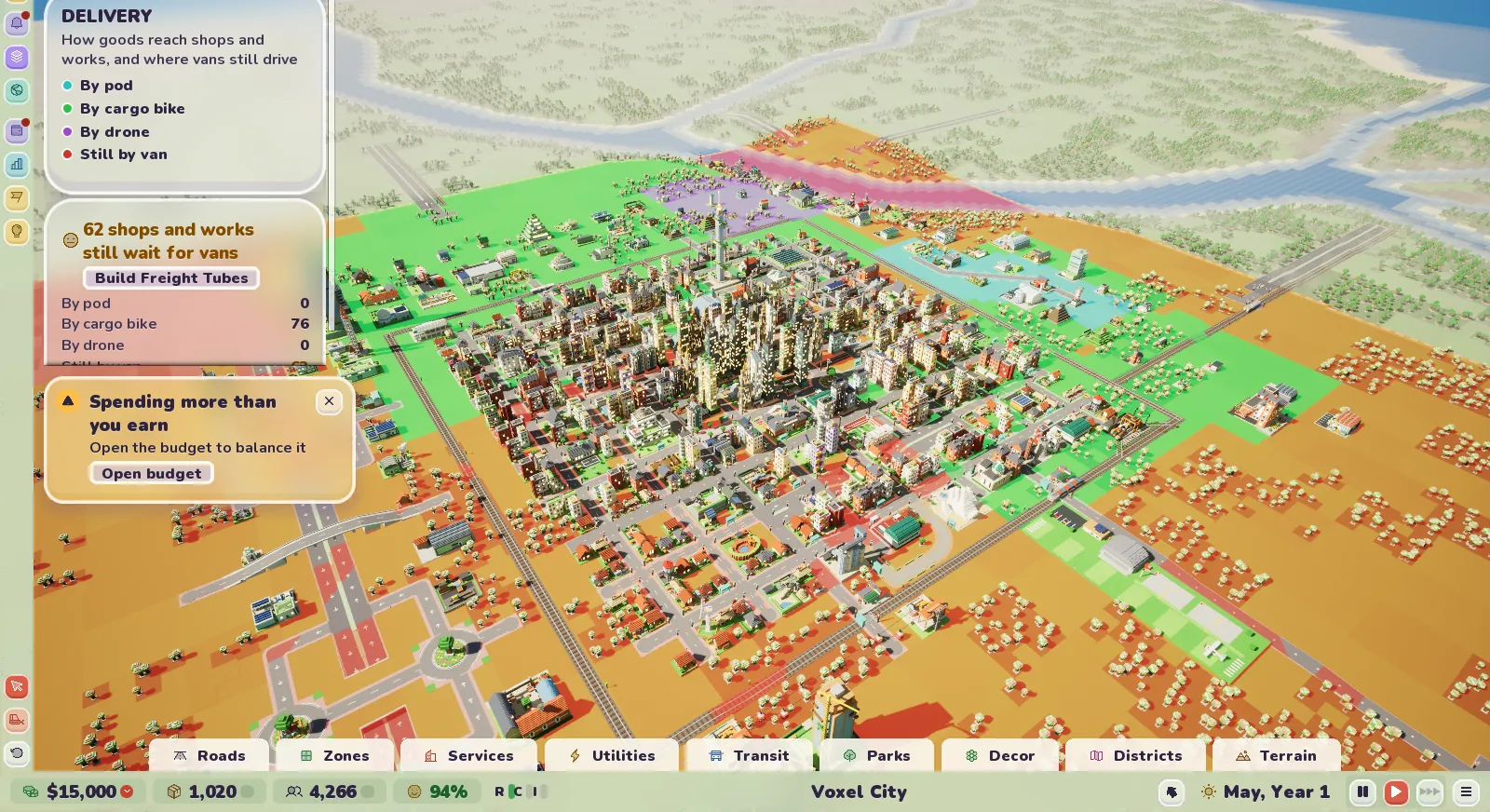
There's a new Delivery view to go with it. It colours the town by how goods arrive, by pod, cargo bike or drone, and shows where vans still have to drive.
One thing I know about and haven't fixed. If you lay a street right along the track, a car already on the rails can still roll under a train. Ordinary level crossings never let it happen.